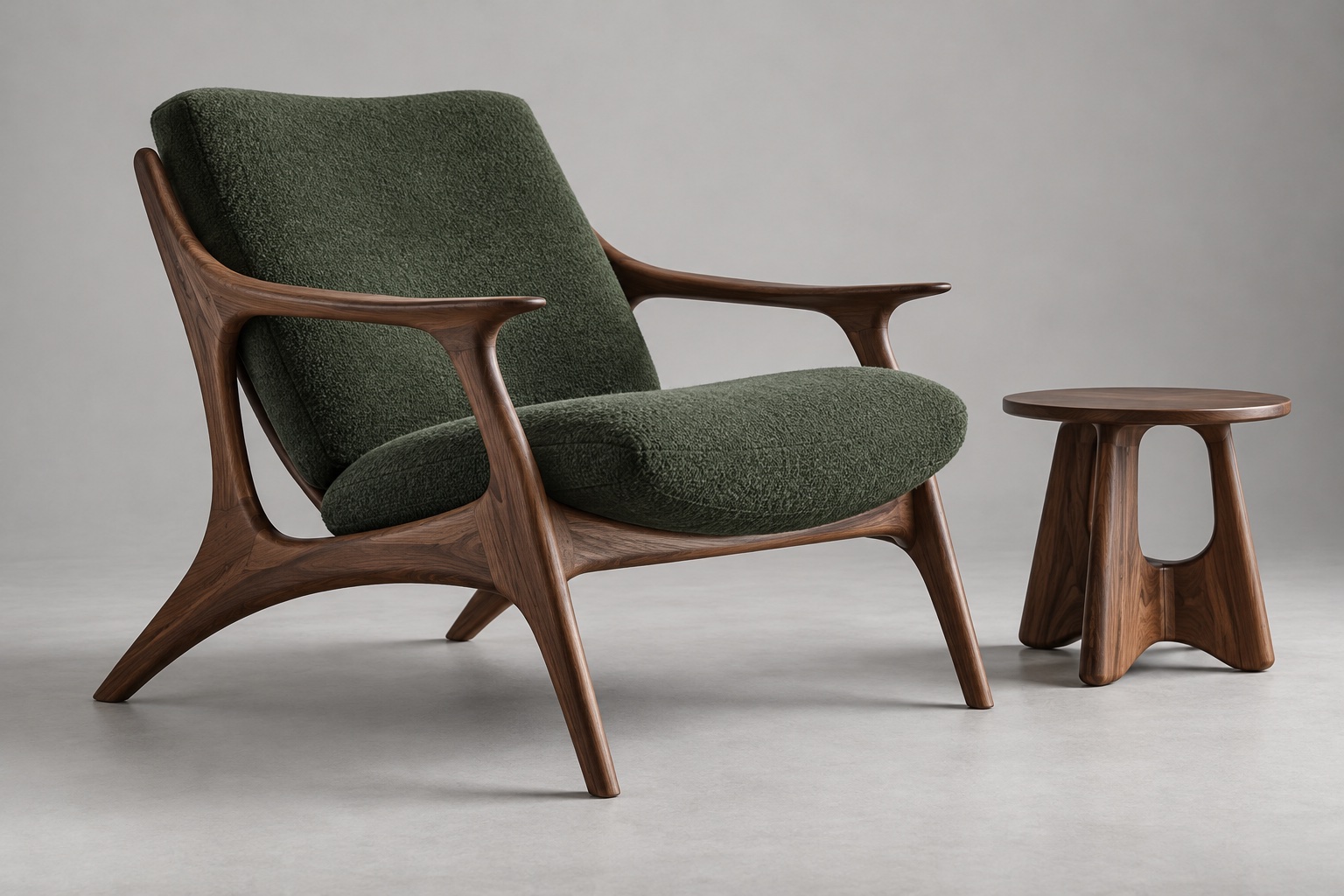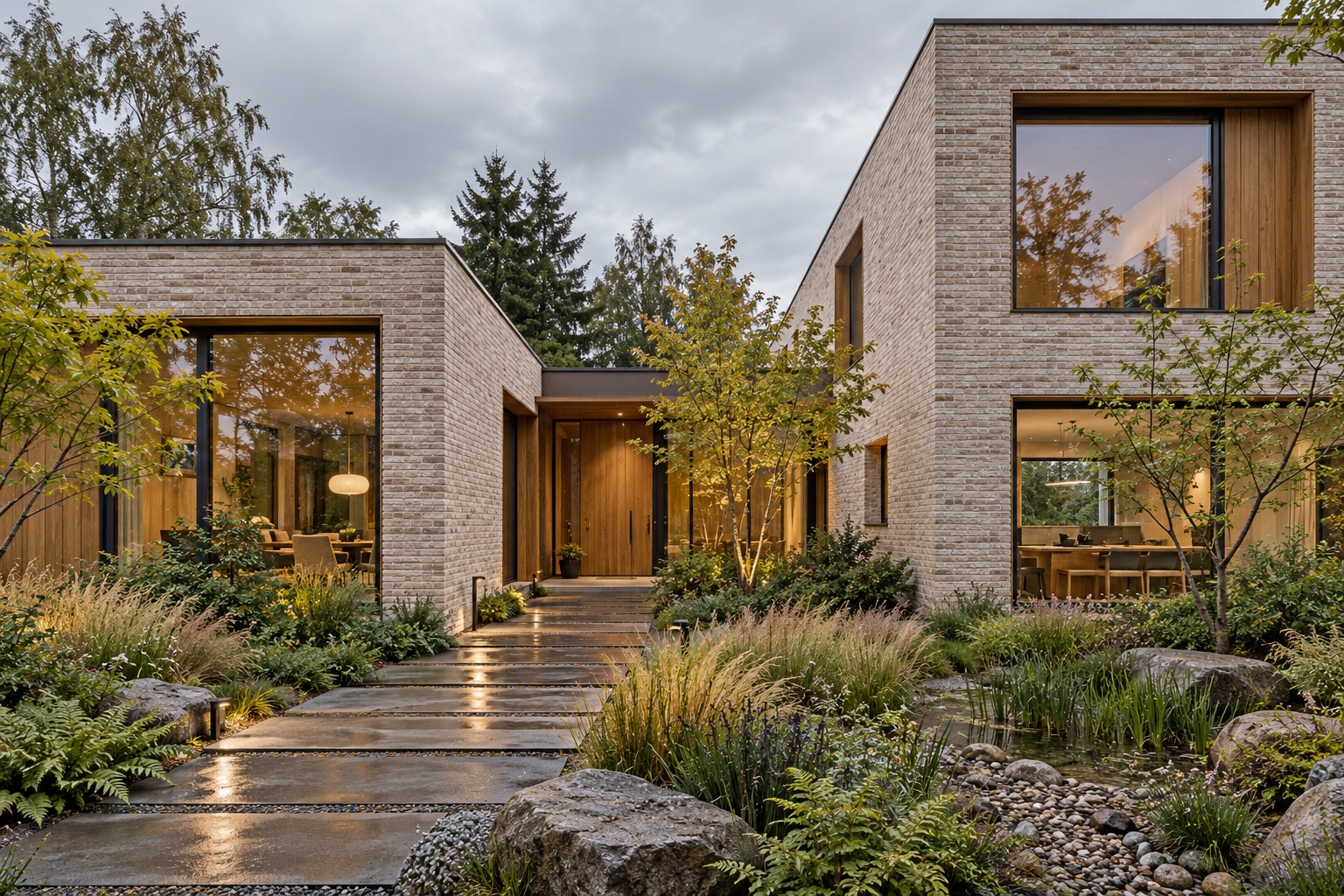
Architecture
Explore form, facades, and light.

An AI design workspace for architecture, interiors, and landscape. Turn sketches, model views, and floor plans into concepts—then refine and compare them on one canvas.
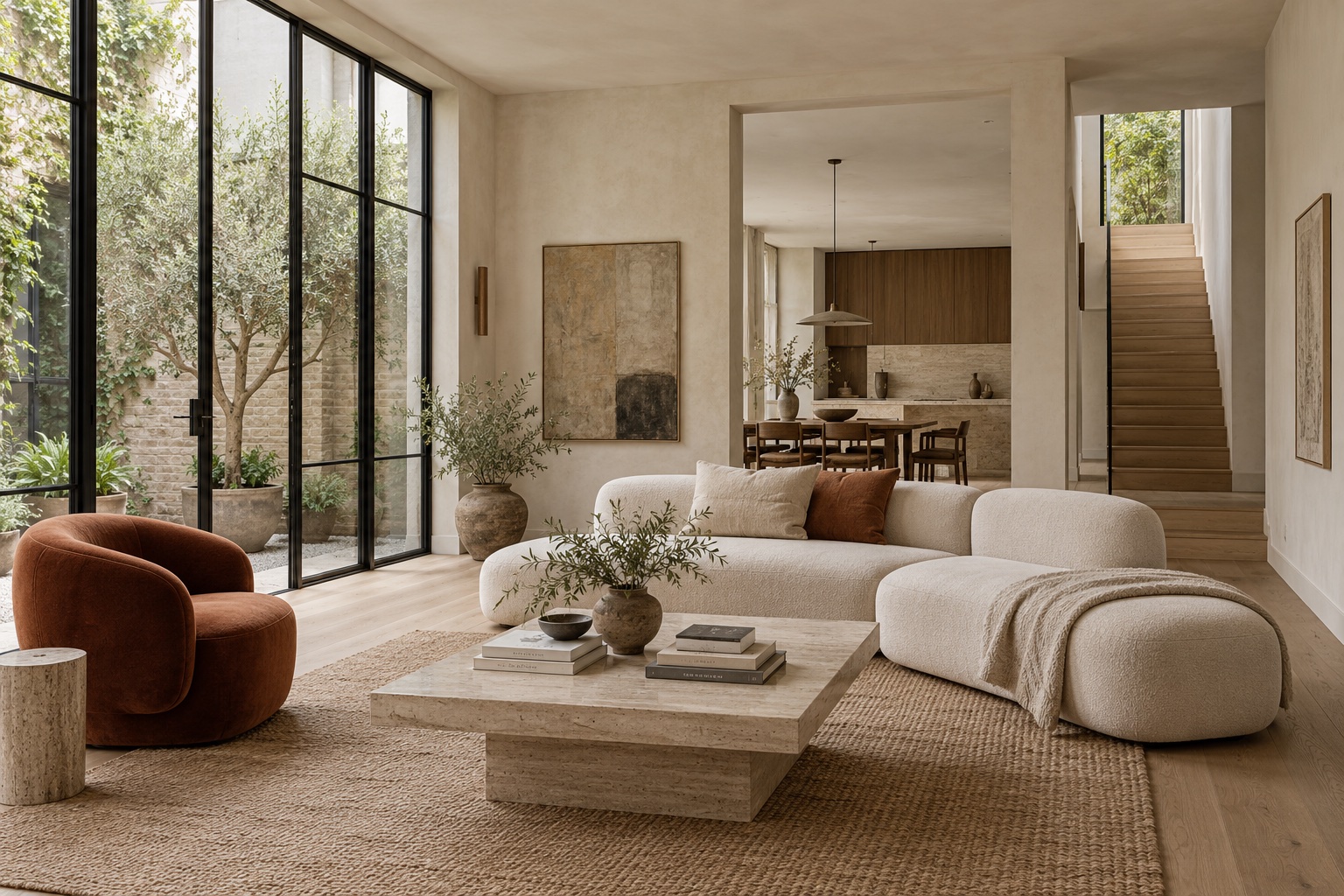 A starting point. A new direction.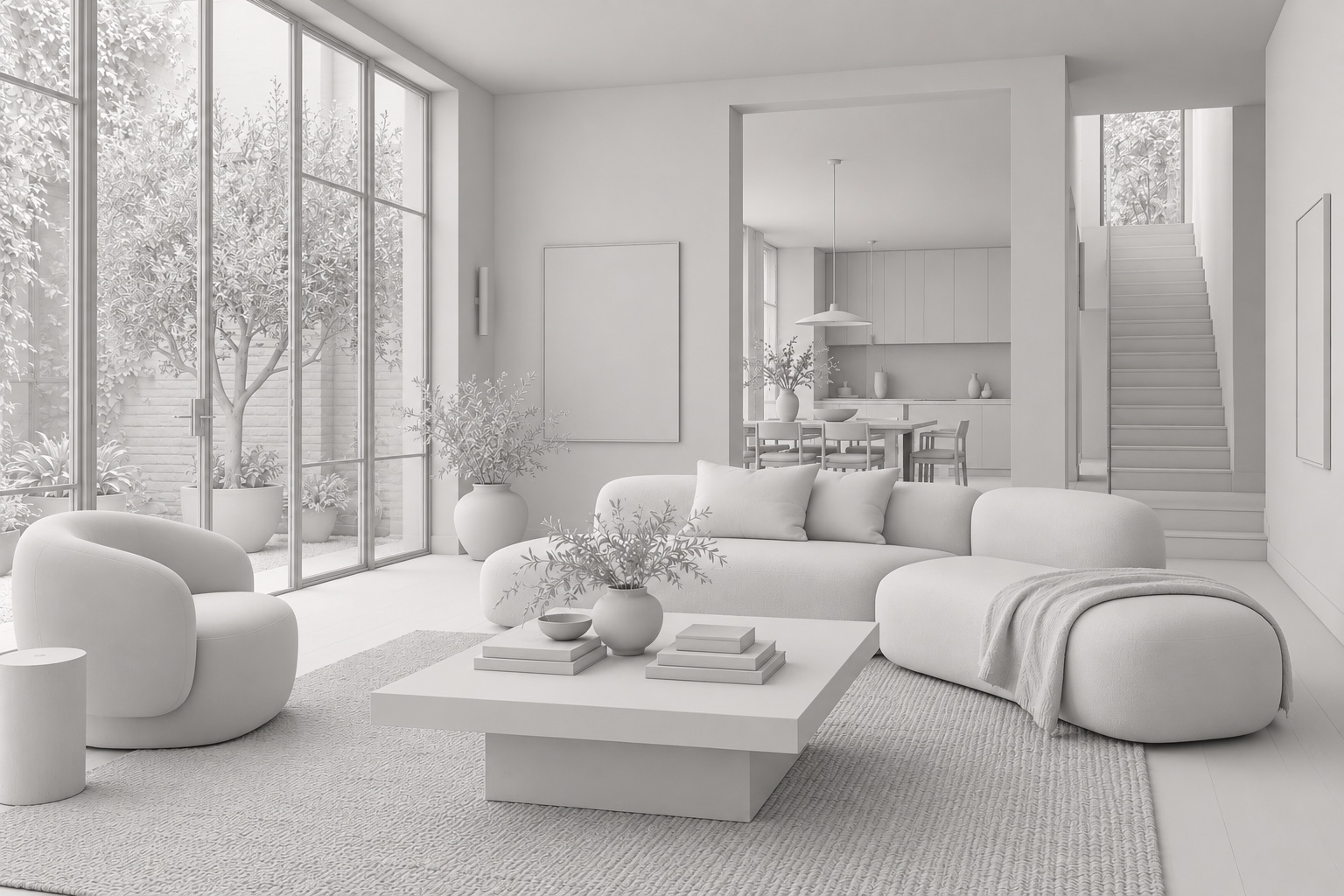
Keep the layout. Add oak, linen, and soft daylight.
Explore materials ↗Explore form, facades, and light.
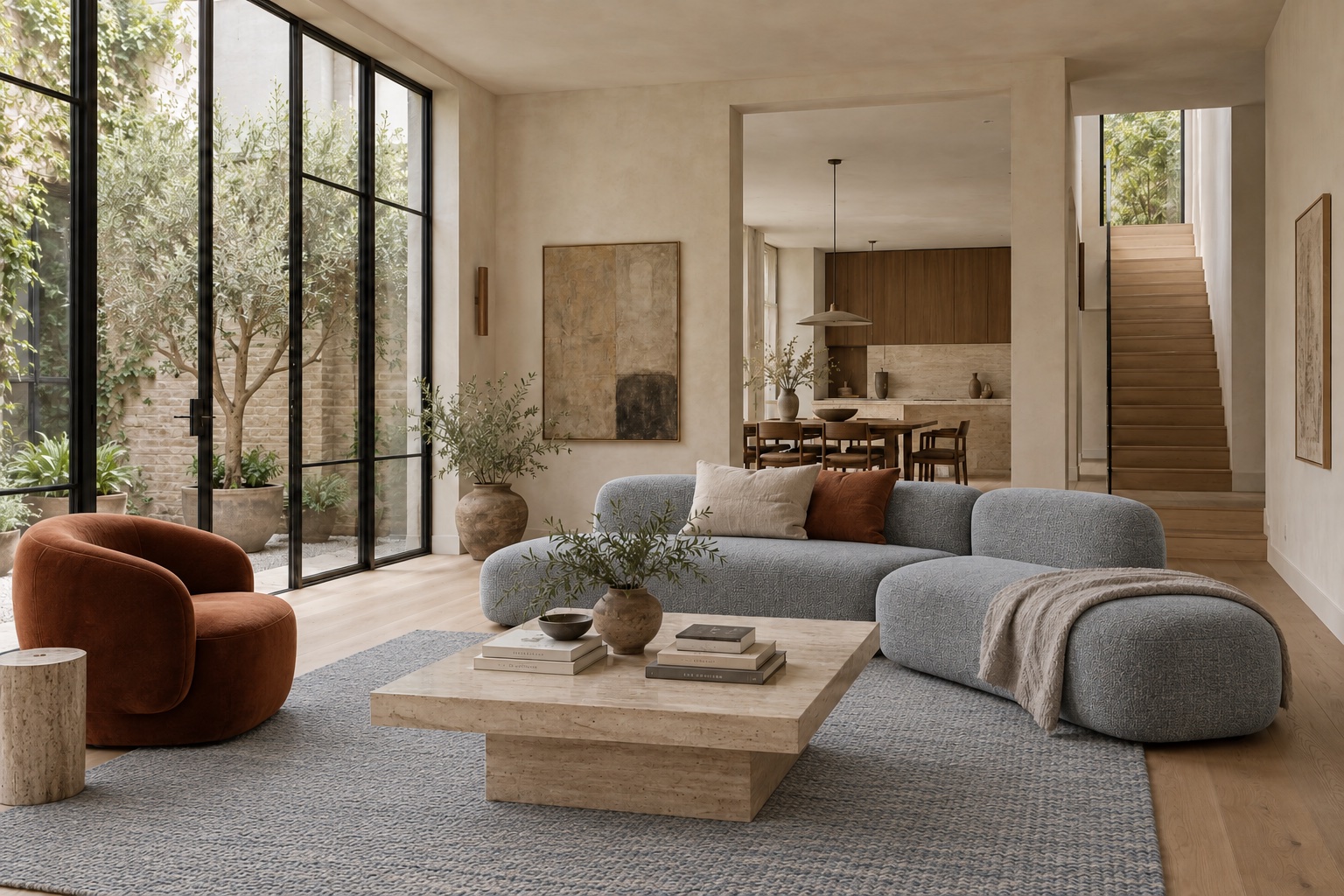
Explore layouts, materials, and atmosphere.
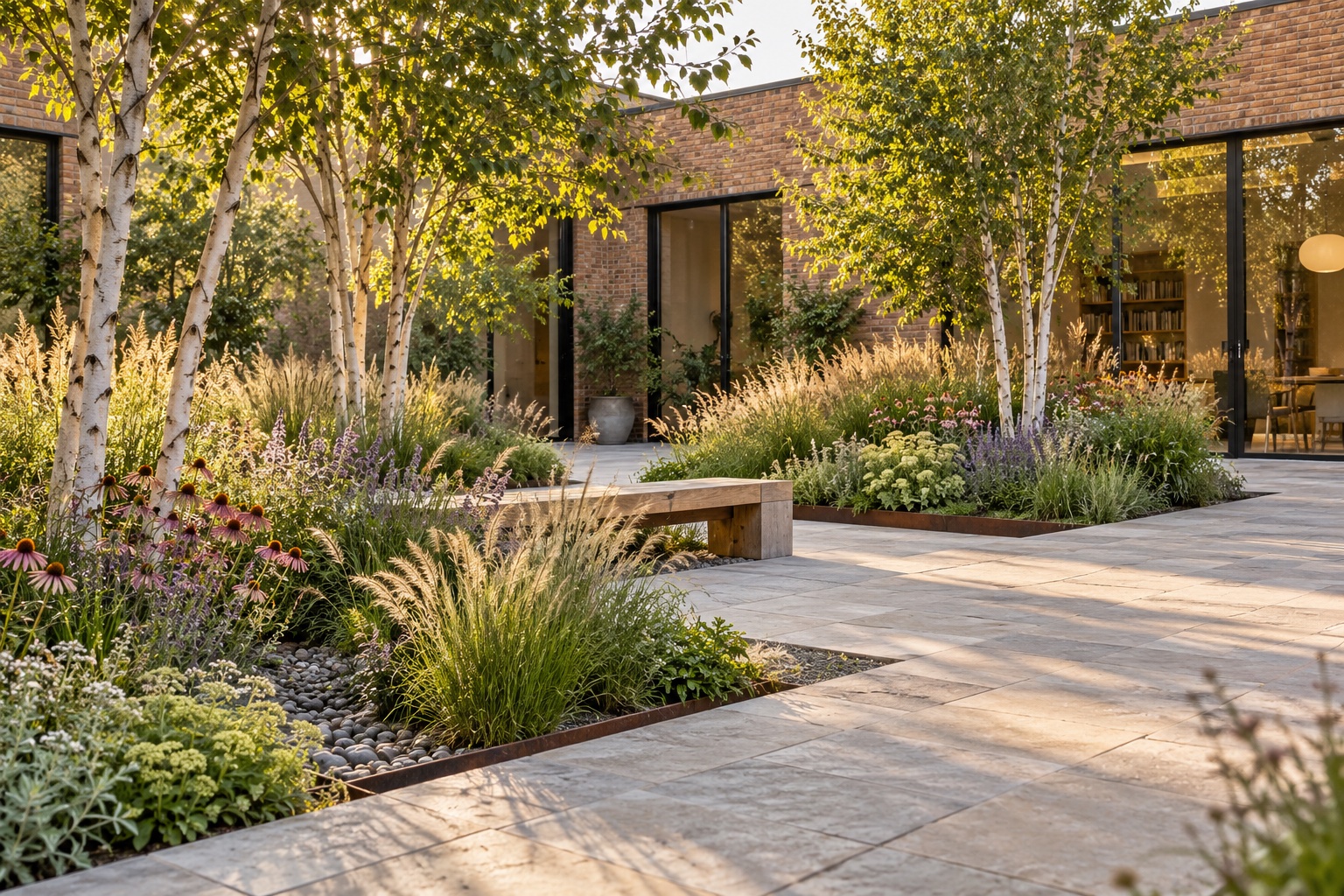
Explore planting, paving, and outdoor spaces.
Keep references, design options, and edits together. Use AI skills to render, restyle, and refine without losing the context of your project.
Upload a model view, floor plan, or site photo.
Render, restyle, or relight. Review the credit cost before generating.
Keep the original beside your results and develop the option you like.
AI-GENERATED DESIGN EXAMPLEUpload a model screenshot and explore materials, lighting, and mood—all on the same canvas.
Select the part you want to change, then describe a new material, finish, or color. Keep each version so you can compare before you commit.
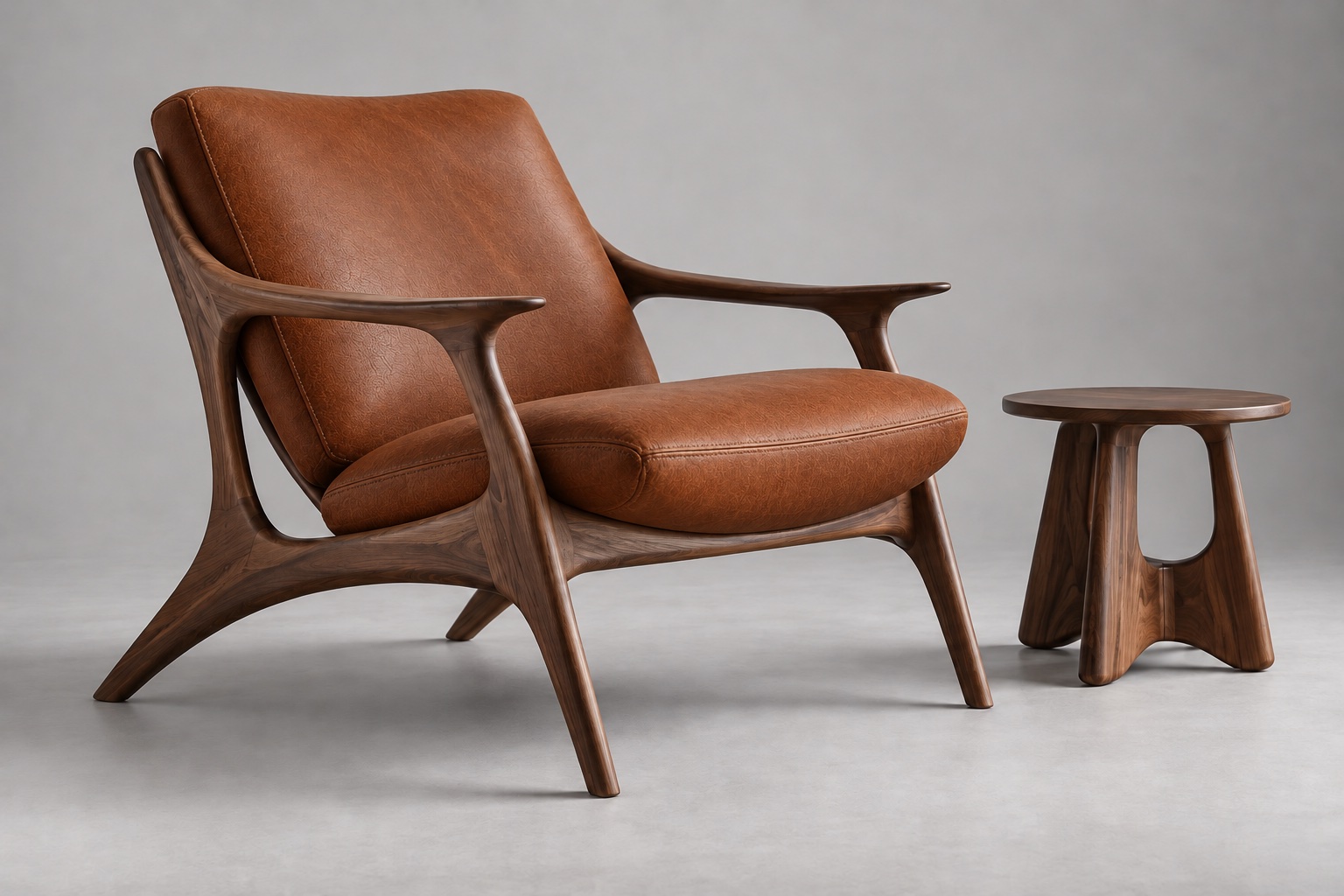
Browse 3D and SketchUp models. Use model previews as AI references and develop your own ideas on the canvas.
For ongoing proposals, option studies, and client revisions. Use AI to explore visual directions, so you can focus on design decisions.
$7.90/ month$8.90
500 AI credits per month
Compare AI plansMonthly or annual billing · 3D model files sold separatelyStart your first project with a model view, floor plan, or reference image.